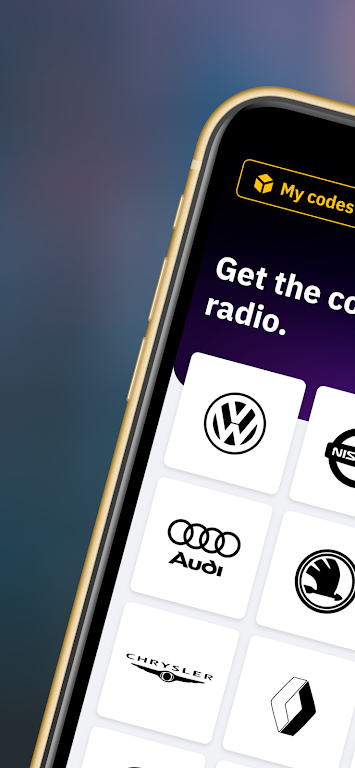
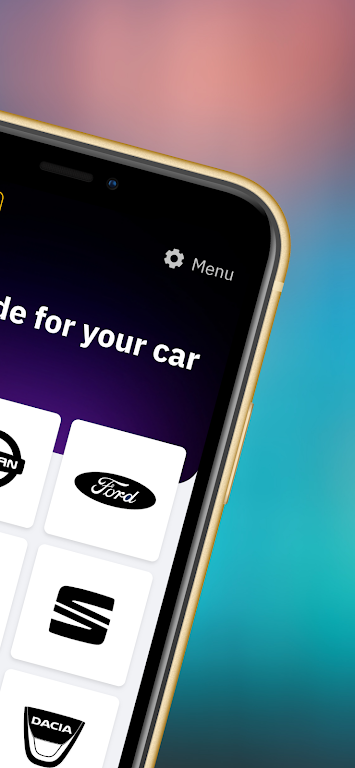
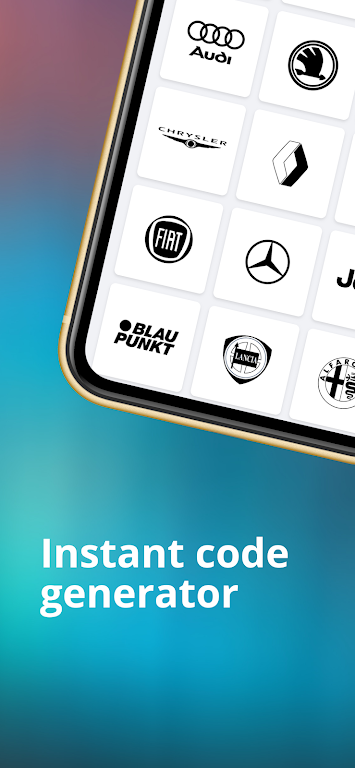
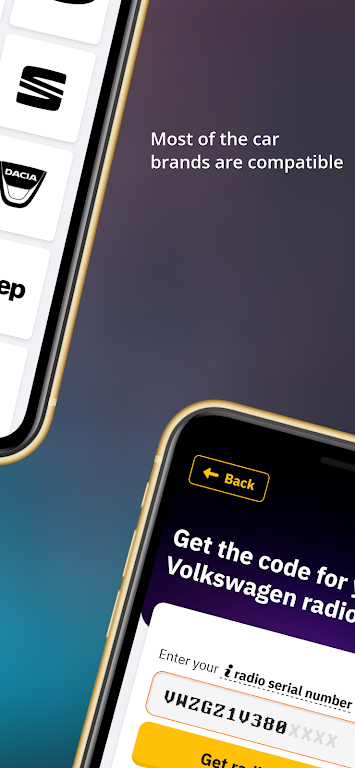
Introducing the Radio Code Generator App, your go-to solution for retrieving the activation code of your car radio or navigation. Compatible with most car brands, this powerful generator can calculate the code on the spot, all you need is the serial number. Finding the serial number is easy, just partially remove the audio unit to access the label attached to your radio's side, take a picture, and you're good to go. With high compatibility across popular car makes and radio models, you can trust that we'll unlock your code. And if you ever face any issues, our responsive chat support team is always ready to assist you.
Features of Radio Code Generator:
Radio Code Generator: This app is a powerful tool that can retrieve the activation code for your car radio or navigation. It is compatible with most car brands and can calculate the code on the spot.
Easy Serial Number Retrieval: To use it, all you need is the serial number of your radio. The serial number can be found on the label attached to your radio's side. Simply remove the audio unit partially to access it. Take a picture of the serial number, as it is usually near the barcode.
High Compatibility: No matter what make of car you own, there is a high chance that it can unlock your code. It is compatible with popular car brands such as Ford, Renault, Dacia, Alfa Romeo, Lancia, Fiat, Volkswagen (VW), Nissan, Audi, Honda, Acura, Seat, Chrysler, Jeep, Mercedes, and Volvo.
Popular Radio models: It supports various radio models, including Blaupunkt, Becker, Alpine, 6000 CD, 6006 CD, SONY, 4500 RDS E-O-N, 5000 RDS, 3000 RDS, Travelpilot, RNS MDF, Concert, Gamma, Symphony, RNS300 / RNS310 / RNS500.
Tips for Users:
Find the Serial Number: Before using the Radio Code Generator, make sure to find the serial number of your car radio. This can usually be found on the side of the radio unit, near the barcode. Take a clear picture of the serial number to input it accurately into the app.
Enter the Code Correctly: When entering the code into your car radio, be careful to input it correctly. Double-check the code on the screen and use the designated confirm button for your radio model. Different radio models may use buttons. Refer to the user manual of your car radio to ensure correct code entry.
Dealing with Lockouts: If your car radio displays "SAFE," "LOCKED," "WAIT," or "ERROR," it means that the radio has a protection system in place. In such cases, follow the instructions specific to your car brand. For example, for Ford radios, you may need to wait for 30 minutes or hold a specific button for a certain period to unlock the radio. Refer to the app or your car's user manual for help.
Conclusion:
The Radio Code Generator app is a reliable tool for retrieving the activation code for your car radio or navigation system. It offers high compatibility with various car brands and supports popular radio models. With easy serial number retrieval and simple code entry instructions, the app makes the unlocking process hassle-free. In case of any questions or issues, the app provides a responsive customer support team through their chat feature. Download the Radio Code Generator app today to unlock your car radio effortlessly.